
- instable sync output fixed
- connect the headphone output of this device to the data port on nanoloop q:
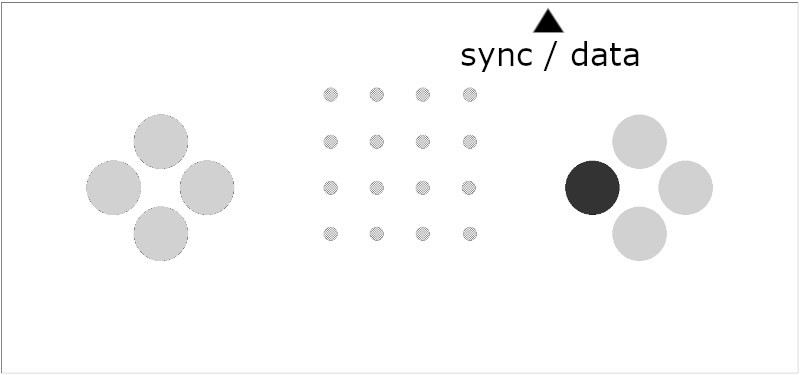
- turn off nanoloop q
- set playback volume on this device to about 70-80%
- on q, hold left+right d-pad buttons and press mode button twice:
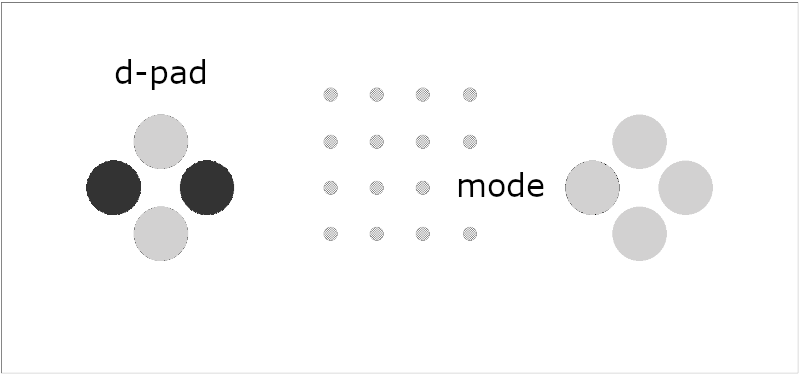
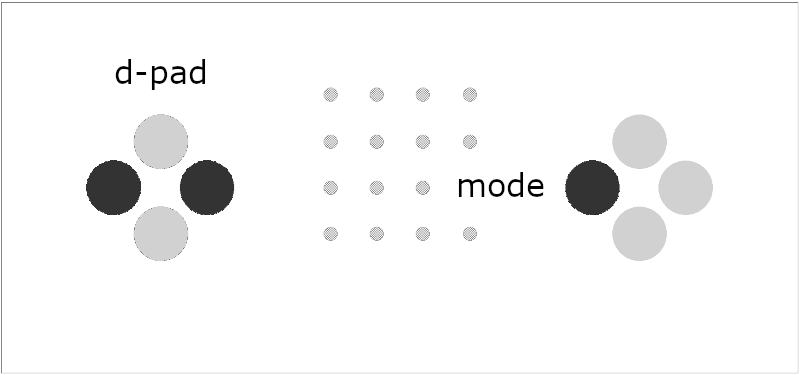
- all LEDs are lit dimly, upper left LED starts blinking
- hold right edit button and press up+down d-pad buttons:
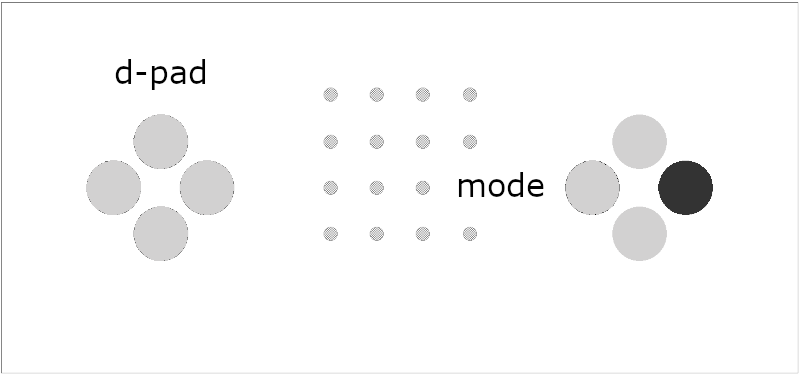
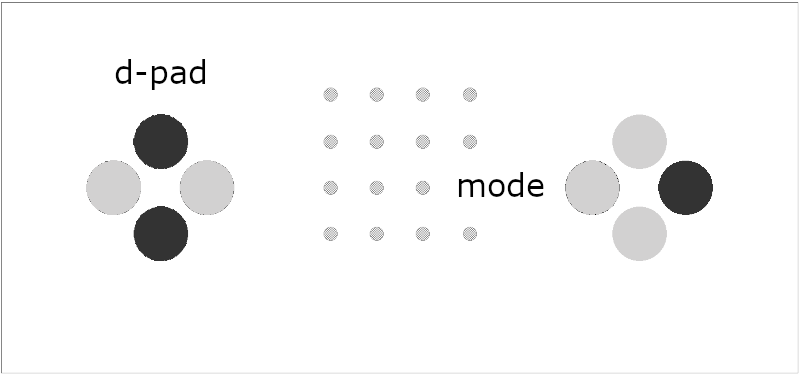
- LED stops blinking
- all 16 LEDs turn brighter (takes 4 sec)
- play this audio file:
- LED starts fast blinking, indicationg ongoing data transfer
after playback has finished, all LEDs should be lit up brightly. press mode button to start nanoloop.
if the LEDs are not lit evenly after transfer, something has gone wrong.
to start over, press MODE button once, then hold left+right d-pad and press MODE again twice.
if the LED does not start blinking within a few seconds after the audio was started, volume may be too low or too high.
if only part of the LEDs are bright, the transfer was incomplete. please try with increased volume.
if only the lower right LED is lit, the transfer was complete but data were corrupted.
please make sure that no notification sounds appear and any audio "enhancement" is turned off in system settings. if it still fails, please try on a different device.